Registro de cambios
Mantente al día con los últimos cambios y mejoras.
Mantente al día con los últimos cambios y mejoras.

02. Oct 2026
Compartir
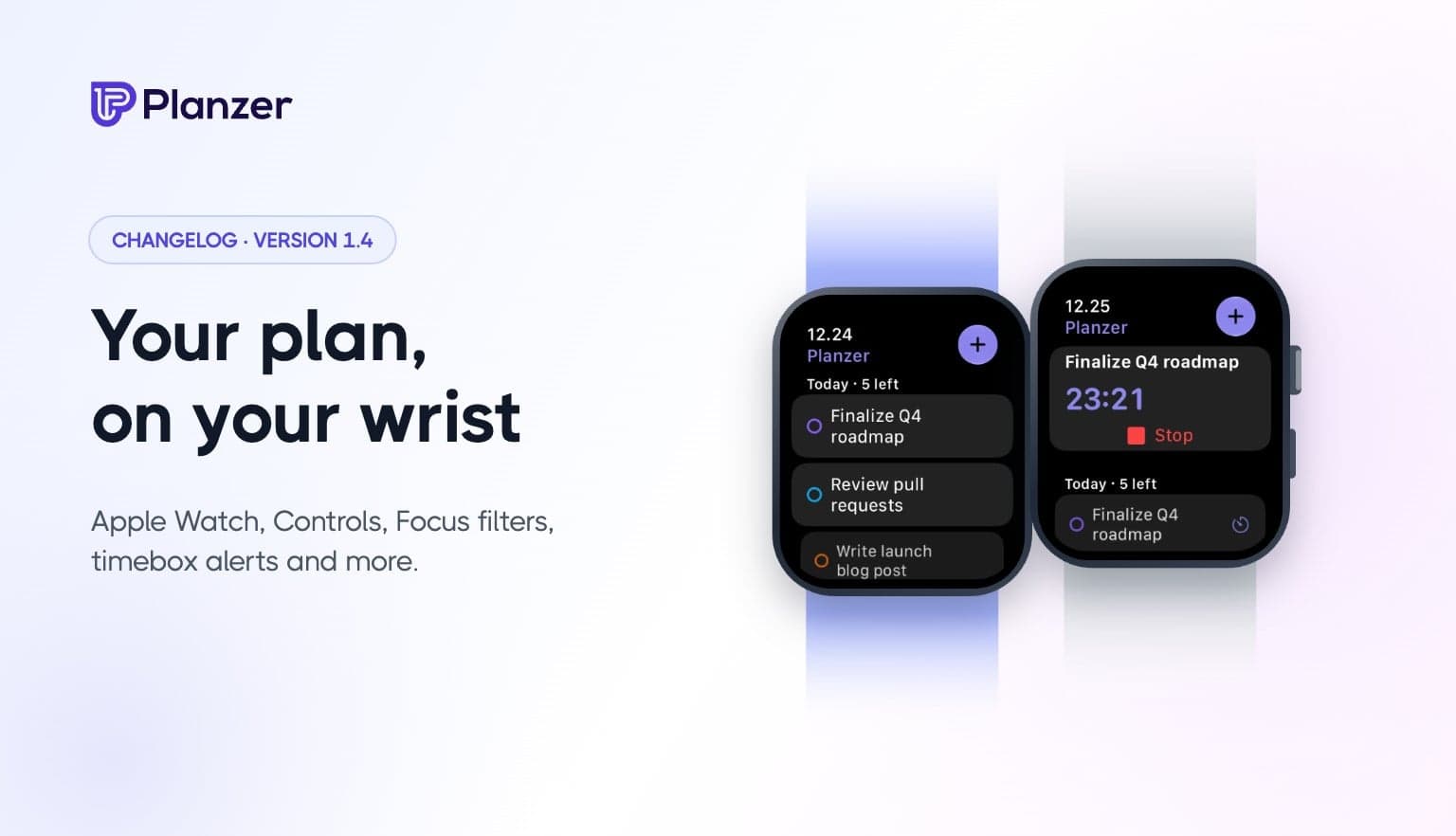
Planzer 1.4 brings Planzer to your wrist, and gives you more ways to capture and focus on your phone.
See today’s tasks and your running timer on Apple Watch. Start, stop and finish tasks with a tap, add new ones by voice, and keep your progress on your watch face with complications.
Timebox alerts (phone apps): when a planned task starts, Planzer notifies you, and you can start the timer right from the notification.
Focus sessions show a live countdown on your iPhone Lock Screen and in the Dynamic Island.
Add tasks from anywhere: Home Screen and Lock Screen widgets, Control Center, the Action button, or by sharing from any app.
Search your tasks from iPhone Search (Spotlight).
Focus filters: show only the project that matters while a Focus is on.
Reminders that get through Focus modes (Time Sensitive).
Dark and tinted app icons on iPhone; themed icons and wallpaper colors on Android, including a new Wallpaper theme.
Built for iPad with a keyboard: hold ⌘ to see every shortcut, and drag text and links from other apps straight into your inbox.
Drag to capture: drag a link or text from another app or window onto your inbox to save it as a task, on the web and desktop too.