Changelogs
Stay up to date with the latest changes and enhancements.
Stay up to date with the latest changes and enhancements.

01. Oct 2026
Share
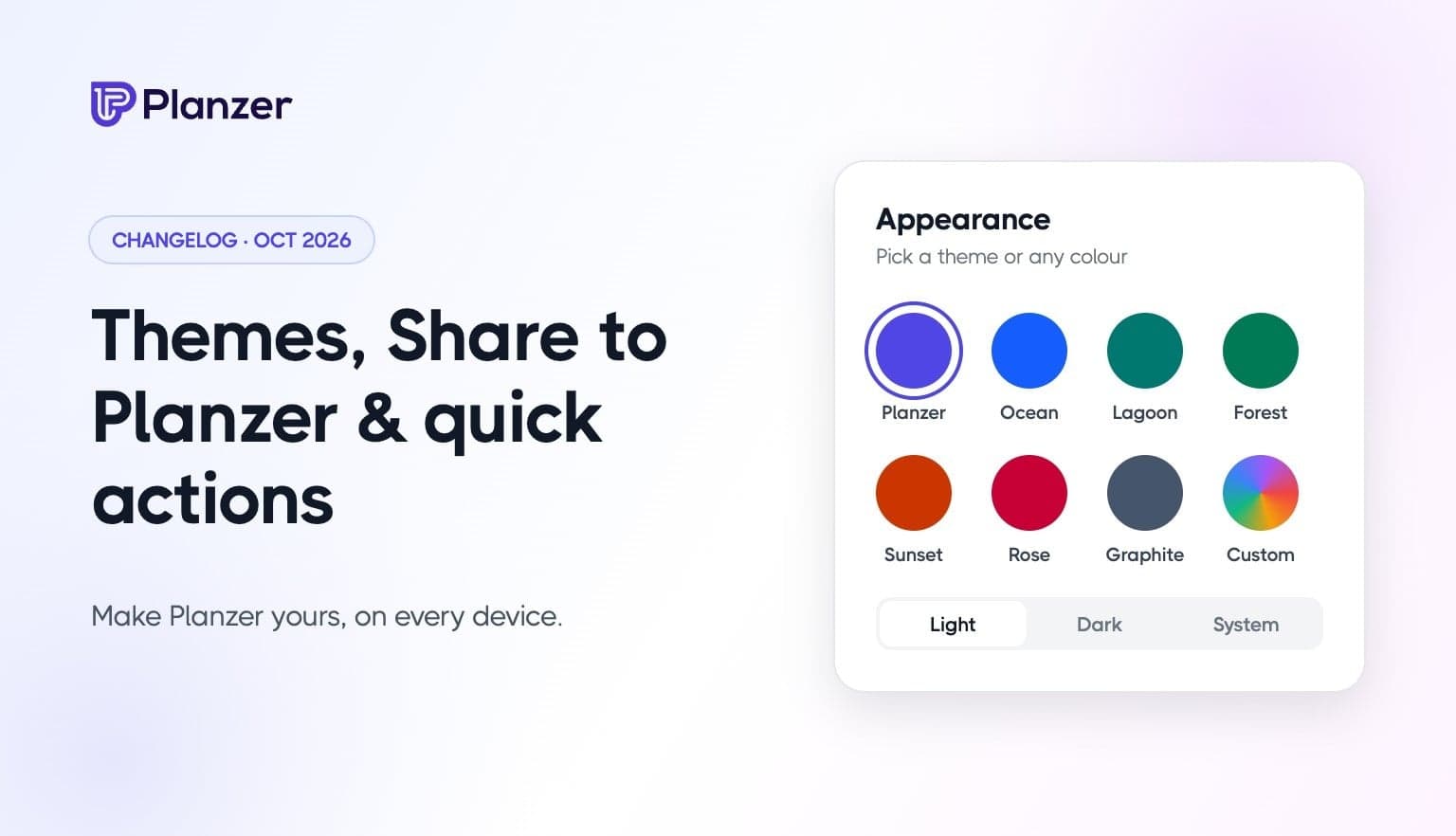
Make Planzer yours with themes, and get more done from your phone with Share to Planzer, quick actions and a count of today’s tasks on the app icon.
Pick one of seven themes (Planzer, Ocean, Lagoon, Forest, Sunset, Rose or Graphite) or choose any colour you like, and Planzer builds a full theme from it. Buttons, highlights, today’s column and the calendar all follow your colour, in both light and dark mode.
Your theme follows your account, so it’s the same on the web, on your desktop and on your phone, and your widgets and the desktop mini window use it too. Find it under Account settings → Appearance, where you can now also switch between light, dark and system mode.
Share to Planzer. Share a link or some text from Safari, Mail or any other app and it lands in your inbox. On iPhone it saves straight from the share sheet without opening Planzer, and a shared link gets the page’s title.
Quick actions. Press and hold the Planzer icon to add a task, open your inbox, or start the timer on your next task (or stop it).
Today’s count on the app icon (iPhone). See how many tasks are left today at a glance. It updates even when Planzer is closed.
Your text size (iPhone). Planzer now follows the text size you’ve set on your iPhone, including the larger accessibility sizes.
More private. On iPhone, your tasks are hidden in the app switcher. Your sign-in is now kept in the iPhone Keychain and Android’s encrypted storage.
Update the app from the App Store or Google Play to get the new mobile features. Themes are available everywhere now.